Energy-saving gadgets are sold with confident percentages. The honest answer is that savings depend entirely on how your home already uses energy, and the only way to know is to measure. A week of data often reveals one or two large, fixable habits that matter more than any number of smart plugs.
Step one: see the whole picture
If you have a smart meter, start there. In Great Britain, second-generation SMETS2 meters come with an in-home display, and many suppliers show half-hourly data in their apps. Look for your baseload: the power your home draws at 3 am when nothing should be running. A high baseload points to old fridges, always-on computers, dehumidifiers or forgotten heaters.
Without a smart meter, a clamp-on whole-home monitor such as Emporia Vue or Sense, or an Owl or Shelly EM-style energy meter, measures current at the supply cables and reports to an app.
Step two: measure individual devices
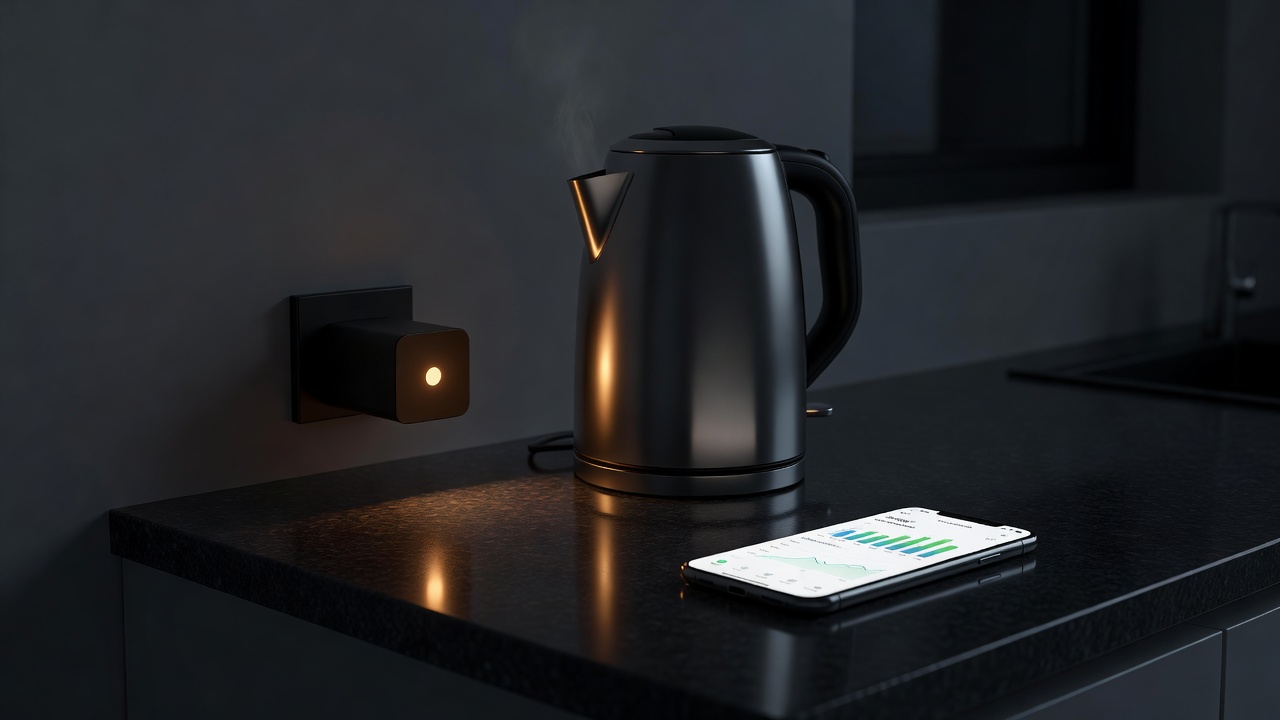
Smart plugs with energy monitoring, such as TP-Link Tapo P110, Eve Energy or Meross models, let you see what a specific appliance uses over a day or week. Rotate one or two plugs around the house: the TV and console corner, the home office, the tumble dryer.
| Device type | What it shows | Install effort | Typical cost band | Realistic saving route |
|---|---|---|---|---|
| Smart meter display | Whole-home use, often half-hourly | Supplier-fitted | Usually no upfront charge | Spotting baseload and peaks |
| Clamp monitor | Whole-home, sometimes per circuit | Moderate to electrician | Mid | Finding hidden loads |
| Monitoring smart plug | Single appliance | Plug in | Low | Cutting standby, scheduling |
| Smart thermostat | Heating run-time | Often installer recommended | Mid to high | Zoning, schedules, setbacks |
| Smart radiator valves | Room temperatures | Usually DIY | Mid per room | Heating only rooms in use |
Heating is usually the big one
In most homes in cooler climates, space heating dwarfs lighting and gadgets. Smart thermostats from Google Nest, ecobee, tado° and Hive help mainly by making schedules easy, turning heating down when nobody is home and, with smart radiator valves, heating only occupied rooms. Their value is highest in homes with irregular routines and lowest where someone already manages a sensible timer.
Check compatibility with your boiler or heat pump first. OpenTherm support allows modulation on many boilers, and heat pumps often perform best with steady, low flow temperatures rather than aggressive on-off schedules, so follow the installer's guidance.
Tariffs and timing
Time-of-use tariffs, such as Octopus Agile or Intelligent Octopus Go in the UK and similar plans elsewhere, make scheduling worthwhile: running the dishwasher, washing machine or EV charger in cheap periods. Smart plugs are fine for simple loads; appliances with their own delay timers may not need a gadget at all.
The cheapest kilowatt-hour is the one you discover you never needed.
Room by room
Lounge
TV, soundbar and console standby can be cut overnight with a schedule, but leave set-top recorders that need updates powered.
Home office
Monitors, chargers and printers on one monitoring plug that turns off at 7 pm.
Kitchen
Measure the fridge-freezer; an old unit may justify replacement with an efficient model, for example one carrying ENERGY STAR certification or a good UK energy label.
Utility
Shift washing and drying into off-peak hours; check the dehumidifier's real run-time.
Bedrooms
Smart radiator valves lower temperatures in spare rooms and during the day.
Do not forget the gadgets' own draw
Each smart plug, bridge and speaker uses some standby power. Ten devices at around one watt each is roughly 88 kWh a year. That is modest, but it means a smart plug controlling a device that only wastes half a watt on standby can use more than it saves. Measure, act on the big items, and leave the rest alone.