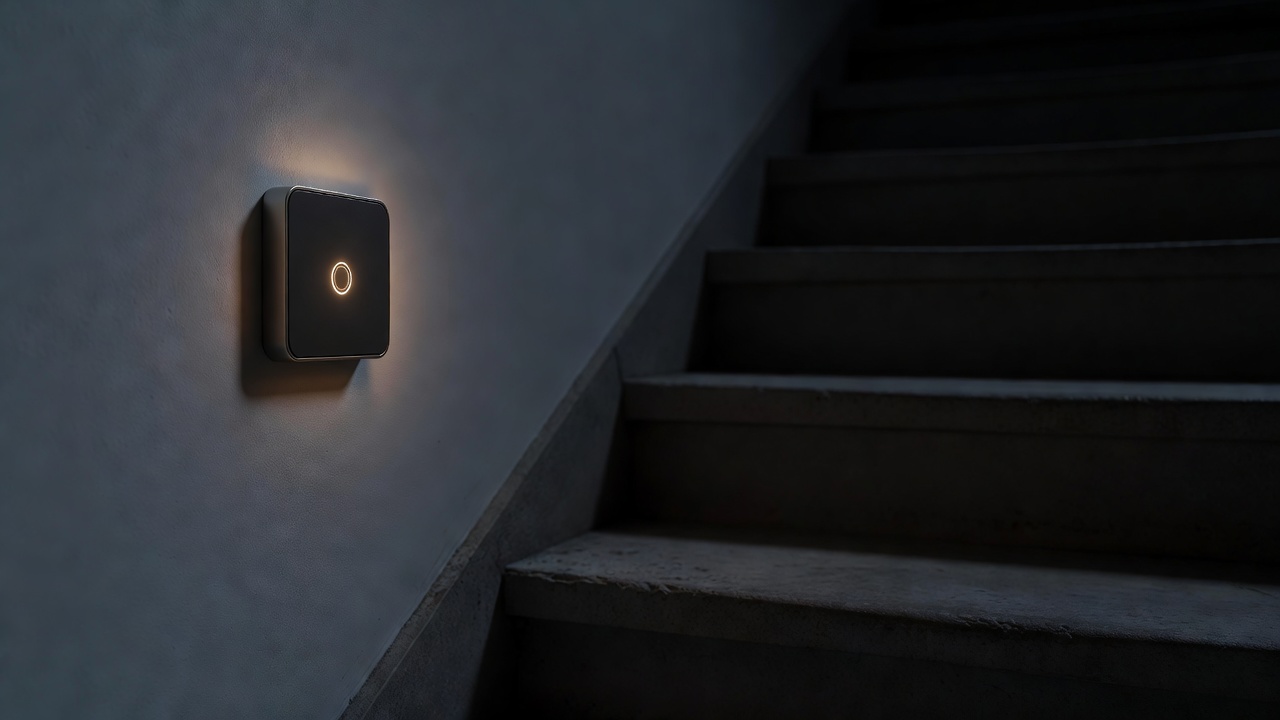
Lighting is the most common first smart home upgrade, and also the one most often done in a way that annoys everyone else in the house. The aim is not colour-changing party scenes. It is light that turns on when your hands are full, dims itself before bed, and still works perfectly when a guest presses the switch on the wall.
Bulbs, switches or both
Smart bulbs such as Philips Hue, IKEA's Trådfri and Dirigera range or TP-Link Tapo put the intelligence inside the lamp. They are ideal for renters and for table lamps, and they offer colour temperature control. Their weakness is the wall switch: if someone turns it off, the bulb loses power and disappears from your app.
Smart switches such as Lutron Caséta, or relay modules like Shelly fitted behind an existing faceplate, keep the familiar switch and make it controllable. Every bulb on that circuit becomes smart, including cheap ordinary LEDs. The trade-off is installation: you are working on fixed wiring.
Many homes end up with both: switches for ceiling lights in busy rooms, bulbs for lamps and the places where colour temperature matters.
| Option | Wiring needed | Renter friendly | Best for | Main limitation |
|---|---|---|---|---|
| Smart bulb | None | Yes | Lamps, bedrooms, colour tuning | Dead when wall switch is off |
| Smart switch | Often a neutral wire | With permission | Ceiling lights, multi-bulb fittings | Back box depth and wiring checks |
| Relay module behind switch | Neutral usually required | With permission | Keeping existing faceplates | Must be installed to local regulations |
| Wireless remote plus bulbs | None | Yes | Adding a "switch" without wiring | Batteries; two controls on one wall |
The neutral wire question
Most smart switches need constant power for their radio, and that usually means a neutral conductor at the switch. Many older UK and US homes only run the switched live to the switch position. Some products, Lutron Caséta being the best known, are designed to work without a neutral; others need a bypass device at the fitting to avoid flicker when the lamp is off.
Room by room
Hallway and landing
A motion sensor paired with a smart switch is often the single best lighting upgrade. Set a low brightness after 11 pm so night trips do not dazzle.
Living room
Smart bulbs in two or three lamps, plus one scene button for "evening". Keep the ceiling light on a normal or smart switch for cleaning and visitors.
Bedroom
Warm, dimmable bulbs with a gentle morning brighten-up routine. Avoid motion sensors here; they wake partners.
Kitchen
Under-cabinet strips on a smart plug or relay work well. Bright task lighting should always be one press away.
Outdoors
Use products rated for outdoor use (look at the IP rating) and consider sunset-based schedules rather than constant motion triggers.
Dimming and compatibility
LED lamps vary widely in how they behave with dimmers. A smart dimmer that is perfect with one brand of bulb can cause buzzing, a minimum-brightness "pop" or ghosting with another. Check the dimmer manufacturer's compatibility list, and buy dimmable LEDs of the same model for one circuit. Never put a smart bulb behind a smart dimmer; the two fight each other.
The best smart light is the one a visitor can operate without being told it is smart.
Network and reliability
Dozens of Wi-Fi bulbs can strain a basic router provider-supplied box. Zigbee, Thread and Lutron's proprietary Clear Connect system keep lighting traffic off your Wi-Fi and usually respond faster. If you plan more than about ten smart lights, a bridge or Matter-over-Thread setup is worth considering. Read our automation guide for how hubs and border routers fit in.
A sensible first purchase
Start with one problem room. For renters, that might be two smart bulbs and a battery wireless remote stuck where the switch is. For homeowners with a neutral wire, it might be one smart switch and a motion sensor on the landing. Live with it, adjust the timings, then expand.