Smart security devices promise peace of mind, but a poorly chosen camera can produce the opposite: a phone that buzzes at every passing cat, a monthly bill you forgot to cancel, or a dispute with the neighbours. Good connected security is quiet, proportionate and still useful when the internet goes down.
Start with sensors, not cameras
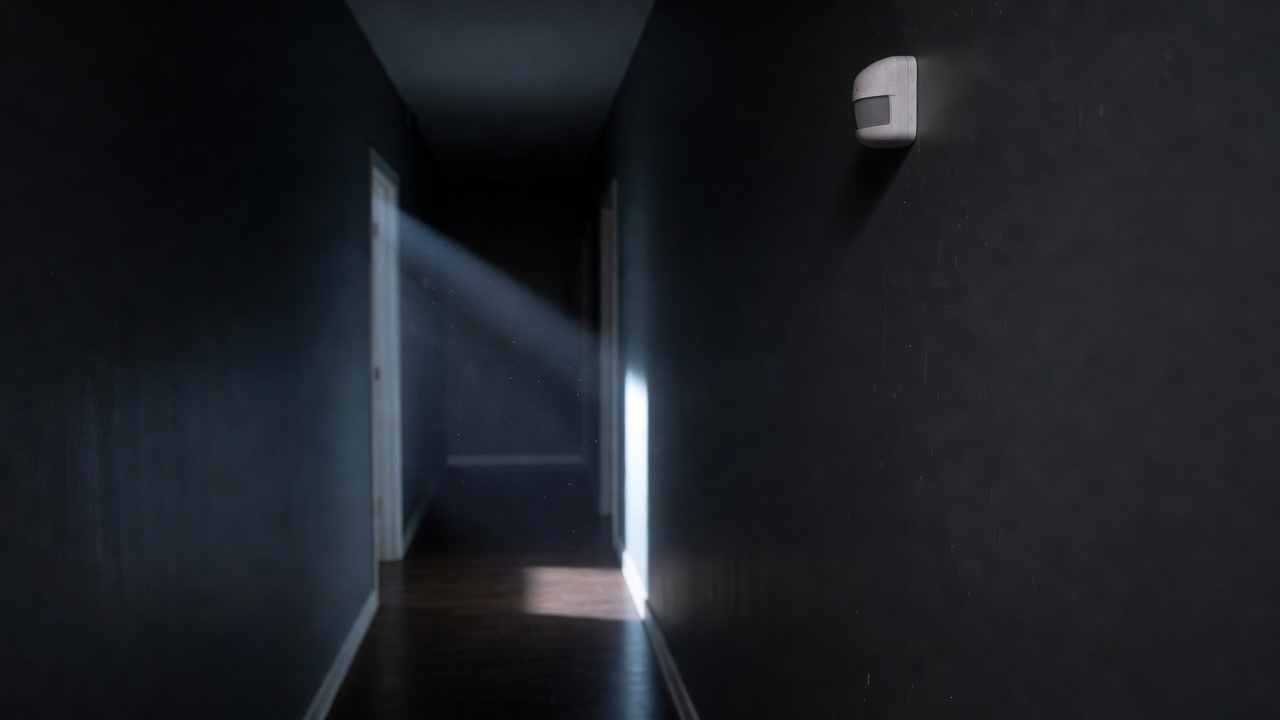
A contact sensor on the back door and a motion sensor in the hallway tell you most of what you need to know, cost little, and record nothing personal. They also feed your lighting and routines. Cameras add evidence and reassurance, but they bring storage, privacy and bandwidth questions. For many homes, sensors plus one doorbell camera is the balanced setup.
Where recordings live
Cameras from Ring, Google Nest, Arlo, Eufy and others differ most in where footage is stored and what you must pay for.
| Storage approach | Ongoing cost | Works offline | Privacy profile | Typical examples |
|---|---|---|---|---|
| Cloud subscription | Monthly plan | Live view no; recording varies | Footage held by provider | Ring Protect, Nest Aware, Arlo Secure |
| Local microSD card | None | Often records locally | Stays in device; theft risk | Many budget Wi-Fi cameras |
| Local base station / NVR | None or optional | Yes | Stays in home | Eufy HomeBase, Reolink NVR, UniFi Protect |
| Hub with end-to-end video | Platform storage plan | Partly | Encrypted analysis | Apple HomeKit Secure Video |
Add up three years of any subscription before comparing hardware prices. A cheaper camera with a mandatory plan often costs more than a pricier one with local storage.
Privacy and the people next door
If a camera captures images beyond your property boundary, such as a shared path or the street, data protection law can apply to you. The UK Information Commissioner's Office publishes guidance for domestic CCTV users under UK GDPR, and similar principles appear elsewhere. Use privacy masking zones, angle cameras towards your own door and garden, and tell household members and regular visitors that recording takes place.
Smart locks: keep a way in
Smart locks from Yale, Nuki, August or Ultion-based systems add keyless entry and activity logs. Choose one that keeps a mechanical key option or an external battery contact, check that it fits your door type (euro cylinder, mortice or deadbolt), and ask your insurer whether your policy requires a particular lock standard, such as BS 3621 in the UK.
Device security basics
- Change any default password and enable two-factor authentication on the account.
- Keep firmware updated; prefer brands that publish a support period. The UK PSTI regime, in force since April 2024, bans universal default passwords on connectable products.
- Put cameras on a guest or separate network if your router allows it.
- Remove shared access when a lodger, cleaner or tenant moves on.
Room by room
Front door
Video doorbell with package-zone detection; set motion zones to exclude the pavement.
Back door and windows
Contact sensors, which can also remind you a window is open before the heating comes on.
Hallway
One motion sensor covers most entry routes; arm it only when everyone is out.
Inside living areas
Indoor cameras with a physical privacy shutter or automatic "home" mode that disables recording.
Garden and drive
Floodlight camera with careful zoning; pair with a sunset lighting routine.
Fewer alerts you trust are worth more than constant alerts you learn to ignore.
Smoke, leak and safety sensors
Connected smoke and carbon monoxide alarms, and water leak sensors under sinks or near the boiler, are among the most valuable security devices. Choose alarms certified to recognised standards (such as BS EN 14604 for smoke alarms) and never replace a required mains-wired, interlinked alarm with a battery smart version without checking local rules.